How to Add a Listing to AFFCatalog
Add your company to the AFFCatalog directory in just a few simple steps.
Publishing a company listing on AFFCatalog is a paid service. Every listing is manually reviewed before publication to maintain the directory's quality, ensure accurate information, and preserve user trust.
Step 1. Sign Up
Before creating a listing, you need to register an AFFCatalog account.
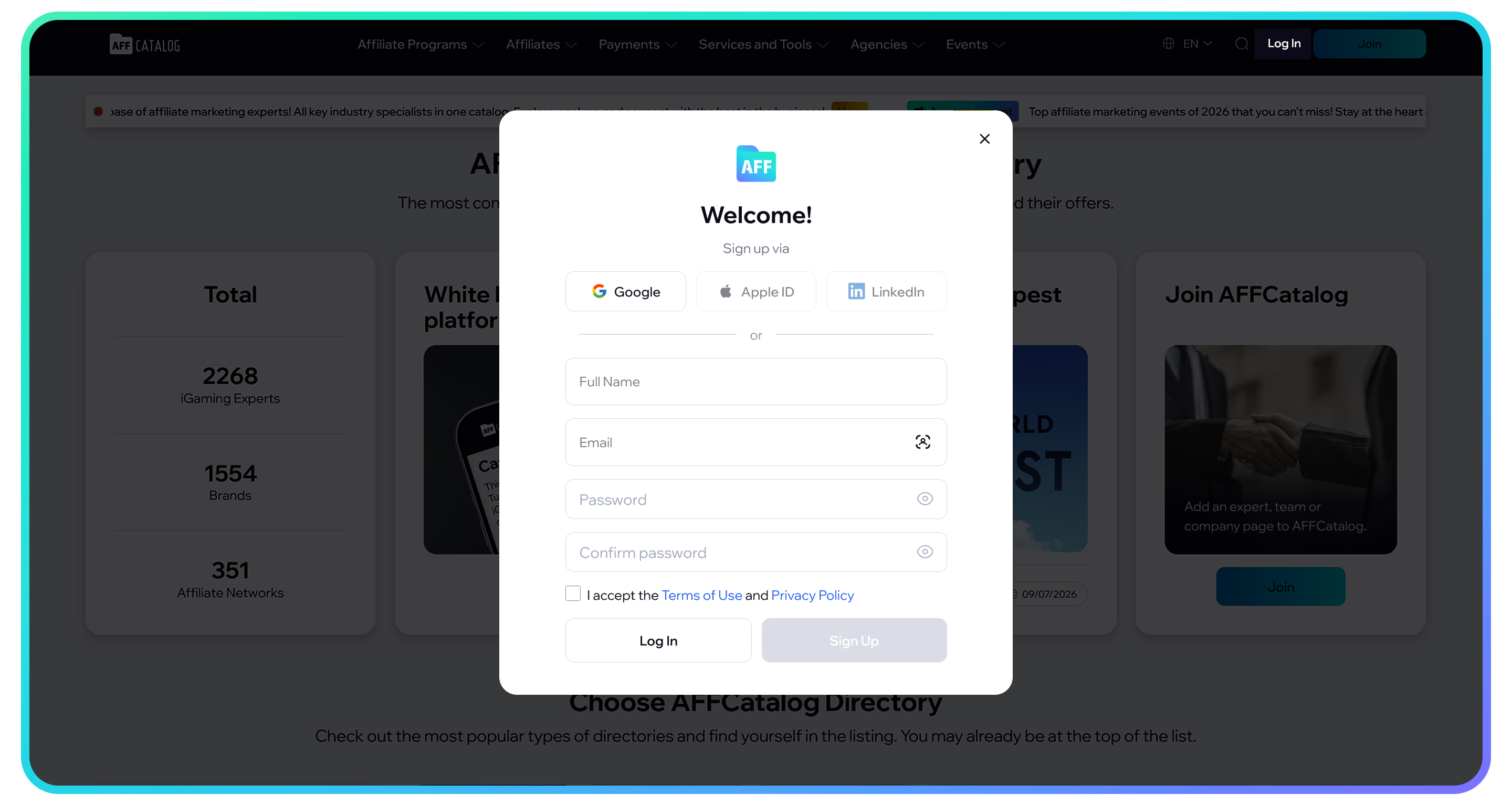
After registration, you will be able to:
- create your own listings;
- receive notifications about reviews left on your listings;
- edit your company information*;
- view contact details in other listings;
- create press releases;
- track your listing status.
* Editing your own listings is available only with a Pro subscription.
Step 2. Create Your Listing
After signing in, create a listing and fill in all the required information.
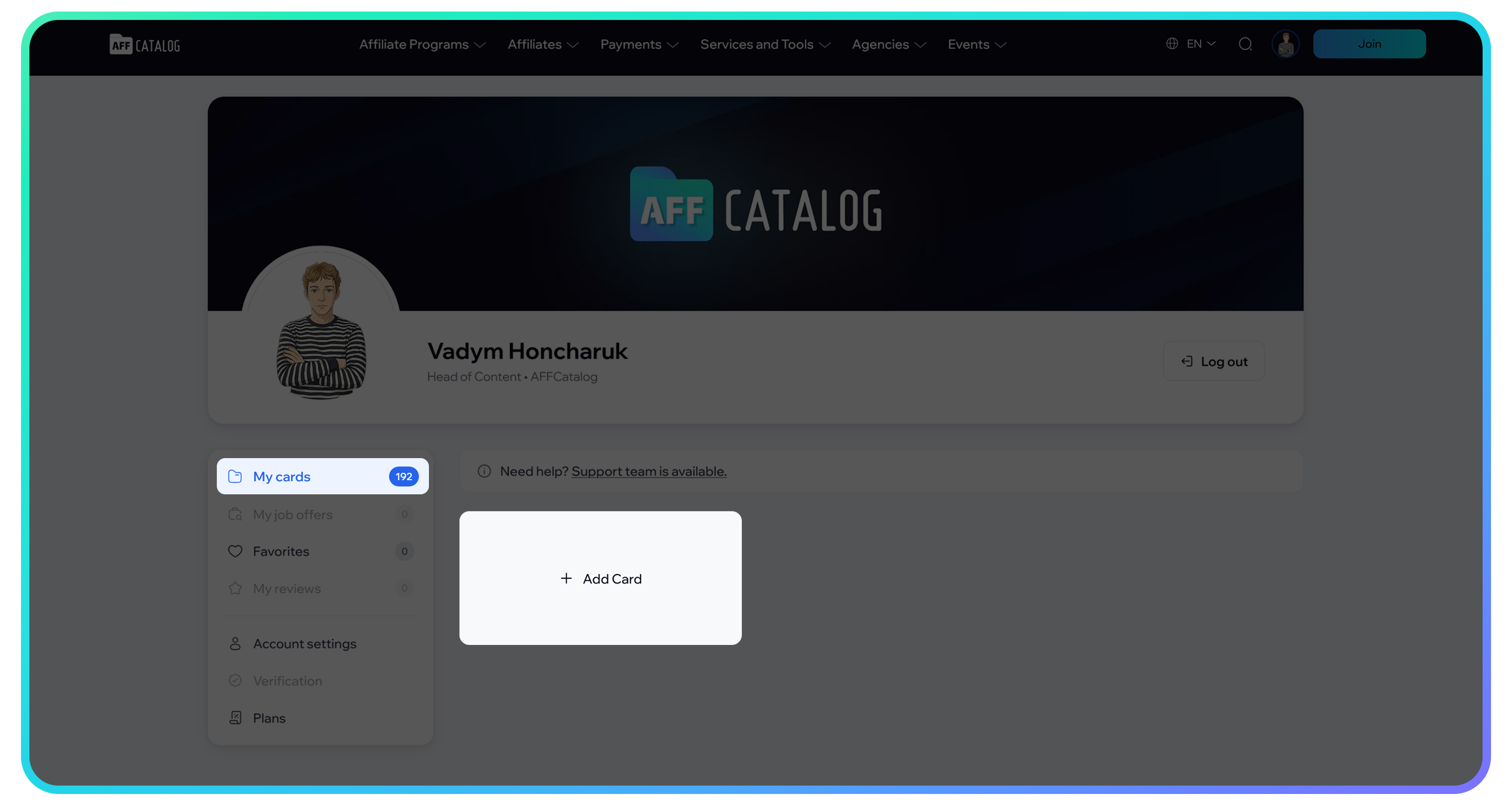
We recommend completing your profile as thoroughly as possible, including:
- company / person / job / event name;
- description;
- official website;
- categories;
- contact details;
- social media profiles;
- logo;
- additional information.
The more complete your listing is, the more trust it inspires among potential partners and clients.
Step 3. Receive Your Invoice
Once your listing has been created, an invoice for the publication fee will be automatically sent to your email address.
Pay the invoice using the payment details provided in the email, then send the transaction hash to support@affcatalog.com. This helps us verify your payment quickly and activate your listing. After payment verification and successful moderation, your listing will be published in the directory.
🎁 Get a Free Gift
After your listing is successfully published, you’ll get the Pro Trial plan for free until the end of 2026 and will be able to edit the published listing during this period. Read the press release to learn more about the offer.
What Is Prohibited to Publish
Before submitting your listing for moderation, make sure it complies with the AFFCatalog rules.
We may reject a listing or remove an already published listing without a refund if it:
- contains information about companies, services, or products whose activities are related to ЦУПИС;
- contains links to websites, services, or companies associated with the .ru domain zone;
- contains links to vk.com or other Russian social networks and services;
- promotes scam projects, phishing websites, or any other illegal activities;
- contains false, misleading, or inaccurate information;
- violates applicable laws, the rights of third parties, or the AFFCatalog Community Rules.
AFFCatalog reserves the right to reject any listing without providing a reason if its publication may harm users, damage the platform's reputation, or otherwise conflict with AFFCatalog policies.
Need Help?
If you have any questions about creating a listing, making a payment, or publishing your company, please contact our support team. We'll be happy to assist you.